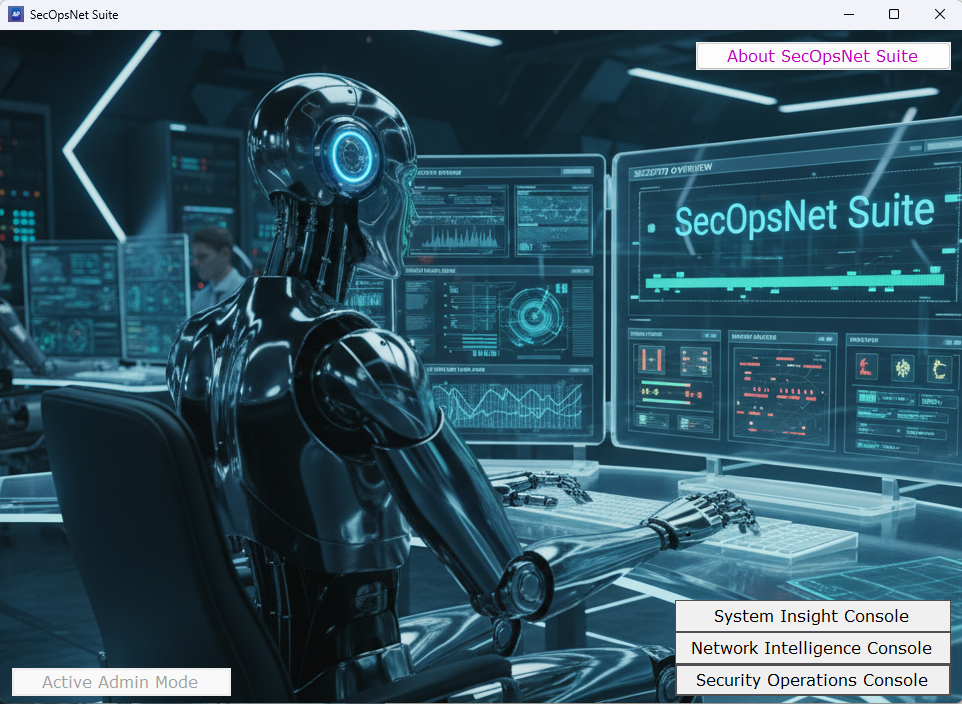
SecOpsNet Suite – Unified tools for system, network, and security operations
SecOpsNet Suite provides system, network, and security administrators with a unified toolkit for endpoint visibility, network scanning, baseline security checks, and forensic event analysis. Simple, fast, and built for real‑world operations.
Read here
PDFExtract: Fast Forensic Insight for PDF Files
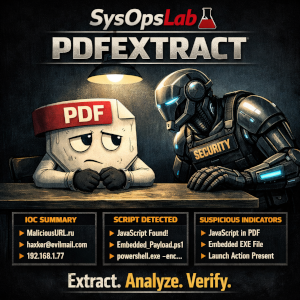
PDFExtract is a lightweight forensic tool that uncovers the real contents of a PDF, extracting text, metadata, embedded files, JavaScript, and IOCs for quick analyst review.
Read here
AdvancedPing: A Smarter, Real‑Time Approach to Network Connectivity Monitoring
Read here

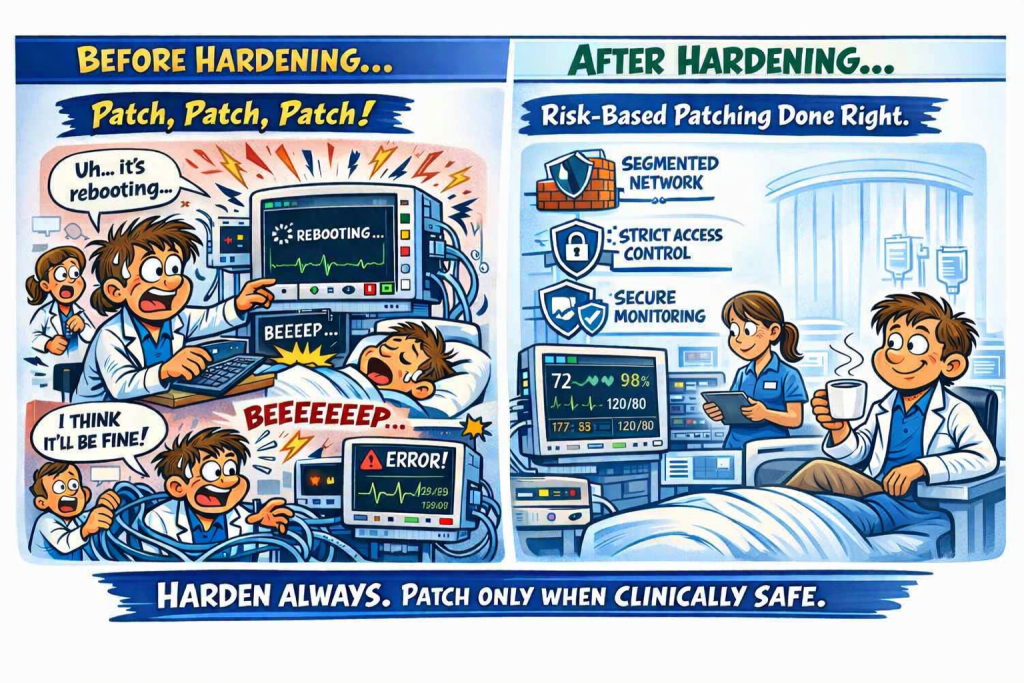
Why “Patch, Patch, Patch” Is the Wrong Advice for Medical Devices
Read here
HostInfoSec – A Fast, Free Diagnostic Lite Tool for IT Professionals
In busy support environments, IT professionals don’t always have time to jump between multiple Windows utilities, logs, and command‑line tools just to understand what’s happening on a machine. HostInfoSec was created to solve that problem. It brings essential system insight, health checks, and security baseline reviews into one lightweight, technician‑friendly tool – completely free from SysOpsLab.
HostInfoSec is designed for quick triage and everyday troubleshooting. It helps IT pros instantly see system details, check for common stability issues, review basic security posture, diagnose Wi‑Fi problems, run OS repair tools, and validate domain connectivity. Instead of piecing together information from scattered sources, the tool gives you a clean, consolidated view that speeds up decision‑making and reduces guesswork.
Whether you’re supporting remote users, validating a new build, or diagnosing a slow workstation, HostInfoSec provides the essentials you need – fast, clear, and without unnecessary complexity. Here’s a quick breakdown of what each module delivers.
Module 1: System Information
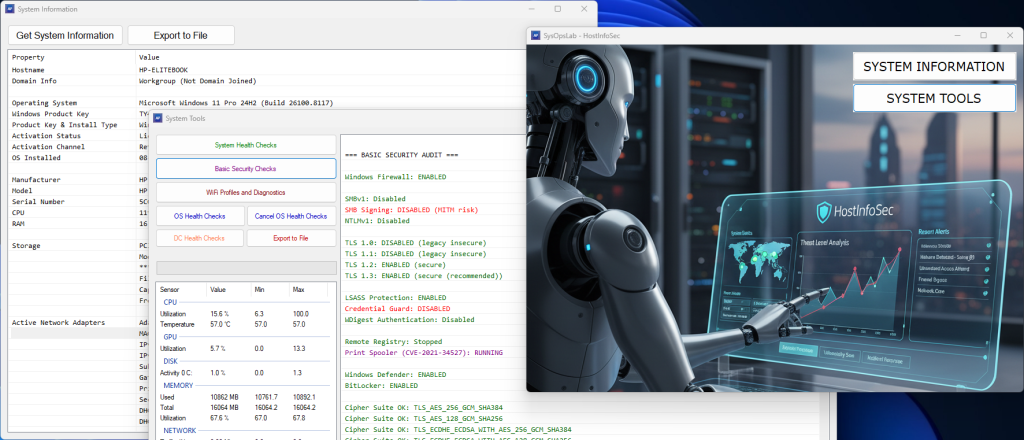
- This module gathers all essential device details in one place – hostname, domain, OS version and activation, hardware specs (CPU, RAM, storage, GPU), built‑in components, network adapters, Secure Boot, antivirus status, uptime, installed software, recent updates, and full TCP/IP config details. It provides an instant snapshot of the machine for quick assessment.
Module 2: System Tools
- System Health Checks – Checks the overall stability of the system by reviewing disk health, system crashes, driver issues, critical Windows services, application errors, and Windows Update failures.
- Basic Security Checks – Evaluates key security settings including firewall status, SMB/NTLM/TLS configuration, LSASS protection, Credential Guard, WDigest, Remote Registry, Spooler, Defender, BitLocker, cipher/hash settings, open ports, shared folders, RDP exposure, and suspicious services, scheduled tasks, or startup items.
- Wi‑Fi Profiles & Diagnostics – Retrieves saved passwords for non‑enterprise Wi‑Fi networks and provides diagnostic information for enterprise wireless setups to simplify connectivity troubleshooting.
- OS Health Checks – Runs built‑in Windows repair tools – SFC, DISM, and CHKDSK – to detect and fix system corruption and maintain OS integrity.
- DC Health Checks – For domain‑joined systems, performs domain connectivity tests using ping, NLTEST, DNS lookups, Kerberos ticket checks, and netlogon status to identify authentication or domain communication issues.
Download here
HomeNetScanner – A Quick Look at Your Home Network’s Security
Most people don’t know what’s actually sitting on their home network, whether they’re connected by Wi‑Fi or plugged in with a cable. HomeNetScanner gives you instant clarity. It scans the subnet your device is on and turns raw technical data into a simple, security‑focused overview anyone can understand.
See Every Device
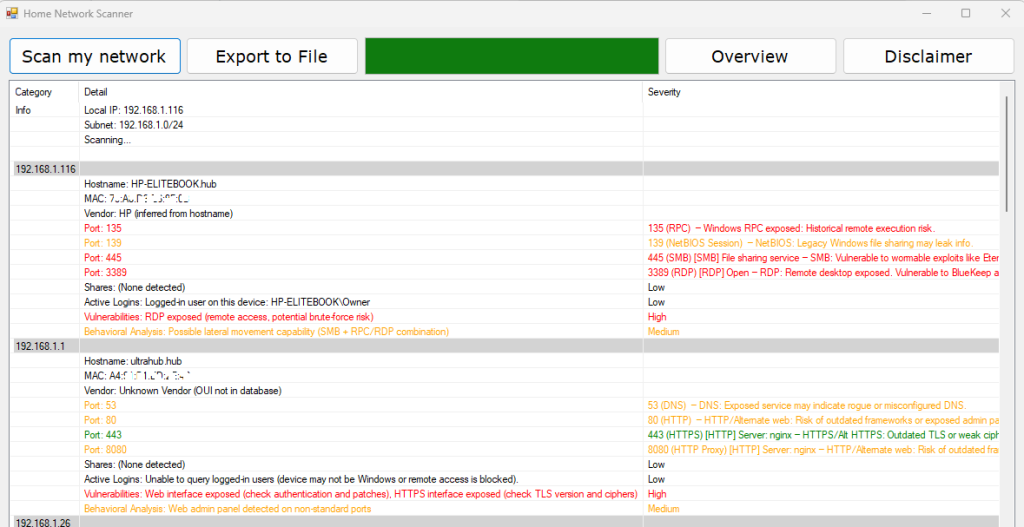
The app discovers your subnet, finds all active devices, and identifies them by hostname, MAC address, and manufacturer, even spotting virtual machines or randomized MACs.
Understand What Each Device Is Exposing
It scans common and high‑risk ports, detects services like HTTP, RDP, or SMB, and explains each finding with a severity rating.
Spot Risks Early
The tool flags insecure setups such as Telnet, FTP, open RDP, or exposed SMB shares. It also highlights unusual patterns like too many open ports, IoT weaknesses, or unknown devices.
Extra Insight Where It Matters
It can detect shared folders, attempt to identify logged‑in Windows users, and surface behavioral indicators that might need attention.
Why It’s Useful
- Know what’s on your network
- Identify risky or forgotten devices
- Improve your home security posture
Download here
Passed CompTIA CySA+ Certification – Another Step Forward
On 30 March 2026, I officially passed the CompTIA CySA+ certification. It’s a milestone I’ve been working toward as part of my ongoing effort to formalise and validate the cybersecurity knowledge I’ve built over the years.
With CySA+ now added to my existing CompTIA Security+ certification, I also earned the CompTIA CSAP (Security Analytics Professional) stackable certification. It’s a nice confirmation of the direction I’m heading and the work I’ve been putting into strengthening my security foundations.
This journey is part of a broader goal: bringing together decades of hands‑on IT experience with modern, standards‑aligned cybersecurity practice. Each certification helps reinforce that bridge and supports the work I’m doing through SysOpsLab especially around detection logic, security tooling, and practical operational workflows.
More learning ahead, but this was a good one to tick off